Be there instantly.
Choose a place, drop a pin, and your iPhone updates in seconds.
ANY PLACE · ONE CLICKTeleport your iPhone in a click—or travel on a route that stops, turns, and arrives like you actually did. Pair once over USB, then reconnect automatically over Wi-Fi.
 Alibi
AlibiLIVE DEMO Switch modes. Drop a pin. Run the route.
LOCATION, REIMAGINED
Alibi does more than change coordinates. Its route engine understands roads, speed limits, traffic lights, stop signs, turns, and the tiny pauses that make movement feel human.
Choose a place, drop a pin, and your iPhone updates in seconds.
ANY PLACE · ONE CLICKBuild a multi-stop route, choose how you travel, and let Alibi handle the journey.
WALK · CYCLE · DRIVESubtle GPS drift keeps your location from appearing unnaturally perfect.
THE REAL PRODUCT
The interactive preview shows the idea. These are the real controls: a focused Mac app built around two fast modes, with the details you need when a location becomes part of your routine.

Search, drop, refine, save, and reset without leaving the map.
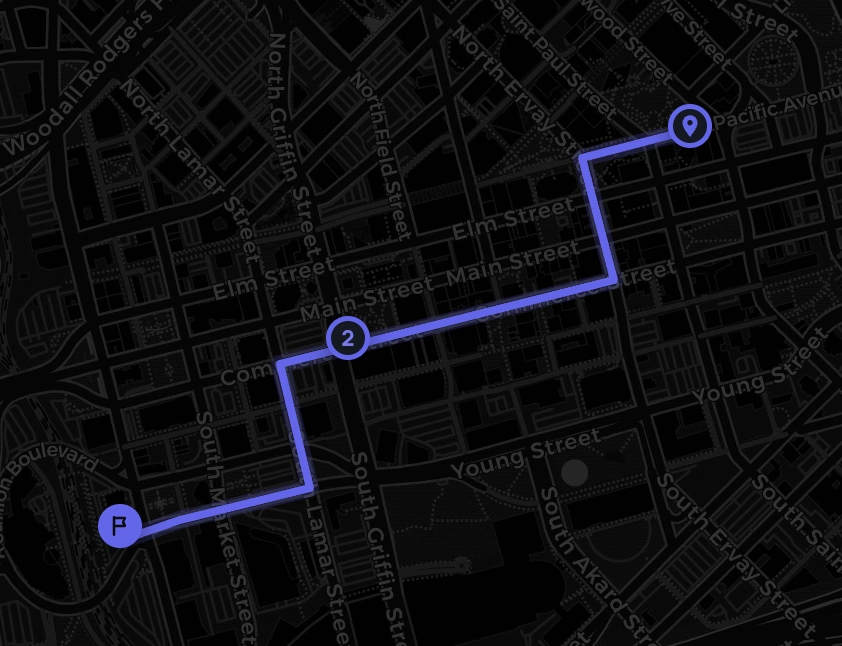
Real roads, multi-stop routes, travel modes, live progress, and natural timing.
ONE-TIME SETUP
A one-time USB connection handles trust and setup. After that, Alibi automatically finds your paired iPhone over Wi-Fi.
Connect your iPhone and tap Trust. You only need the cable for initial setup.
A one-time iOS setting. Alibi walks you through every tap.
Alibi finds that iPhone over Wi-Fi from then on. Teleport or build a believable route.
SIMPLE PRICING
No feature gates. Every plan includes instant teleports, realistic routes, saved places, route history, and future updates.
Cancel whenever.
Choose monthly$3.58/month. Save 72%.
Choose yearlyPay once. Keep it forever.
Get lifetimeQUESTIONS, ANSWERED
No. Alibi uses Apple’s own developer location tools. Pair once over USB, enable Developer Mode, and your iPhone stays exactly as it is.
Yes. After the first USB pairing, Alibi automatically finds that iPhone over Wi-Fi, so you do not need to keep the cable attached during normal use.
Alibi changes the system location your iPhone reports, so location-based apps—including Find My, Life360, Maps, and others—use the selected location.
Alibi runs on your Mac and communicates locally with your iPhone over USB or Wi-Fi. Your real GPS and chosen locations are not uploaded as a location history.
YOUR LOCATION IS YOURS